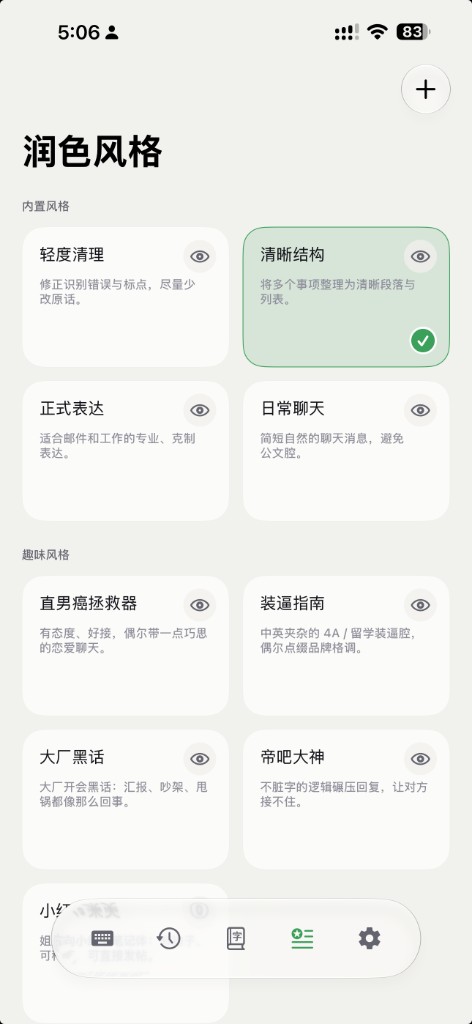
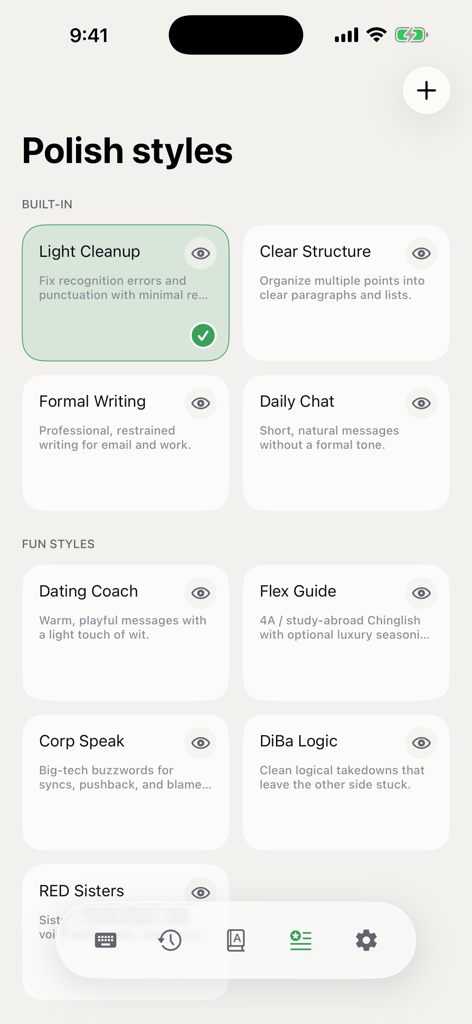
2.1.0
全新 Apple 账号登录
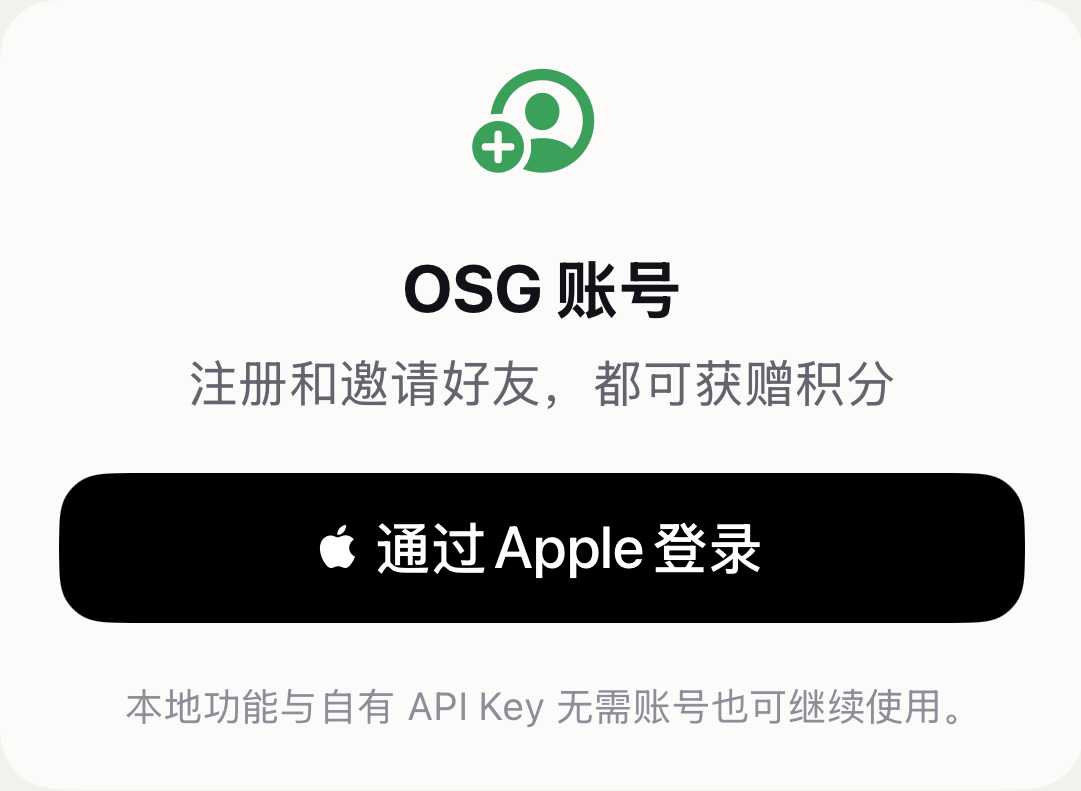
- 支持通过 Apple 登录创建或打开 OSG 账号,集中查看积分、邀请奖励和购买记录
- 登录后可直接通过 OSG 积分使用托管语音与 AI 服务,也可通过 App Store 购买积分包
- 本地听写和用户自备 API Key 仍可独立使用,无需登录
邀请好友,双方得积分
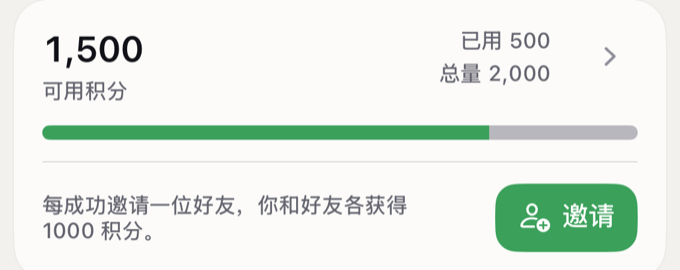
- 登录可领取注册奖励;每成功邀请一位好友,你和好友都可以获得积分
- 邀请链接与积分余额会跟随账号保持同步
全新 App 界面与视觉
- iPhone 使用 iOS 26 原生 Liquid Glass 标签栏与页面过渡,切换标签时保留各页面的导航状态
- 技能页改为更清晰的已安装与未安装列表,点按进入详情页,集中管理安装、快捷指令配置和自定义技能编辑
- 重新整理首页、账号、AI 服务与个人词库的信息层级;缺少必要配置时会直接说明原因并提供下一步入口
- 卡片统一加入淡雅的定向长投影;系统弹窗与模态操作改用自适应黑白配色,不再继承绿色,主次更清晰
首页焕新:月度用量日历与积分

- 首页与 Mac 总览用当月日历替换近七天图表,日期圆点的深浅代表当天听写字数,一眼看清整月节奏
- 积分与邀请卡片从设置迁到首页统计上方,登录前也能看清免费注册与邀请奖励
- 可直接从「听写字数」和「个性词库」卡片进入历史记录或个性词库
智能剪贴板技能与智能回复
- 端侧模型与本地规则会对剪贴板内容进行语义识别,并从完整技能目录中智能推荐最多五个相关操作(回复、翻译、总结、澄清、共情、商务回复、整理清单等)
- 对可回复的消息,「回复」会给出普通 / 正式 / 轻松趣味三种个性化候选;键盘分别学习你的听写与回复偏好,让候选越来越像你
- 遇到邀约、任务、祝福、澄清、共情等需要明确表态的场景,提供三种固定且清晰标注的立场,绝不替你猜测意图
- 复制单个电话号码可直接拨号或新建联系人;复制网页链接可直接打开,或提取公开网页正文进行总结
- 识别与推荐在设备端完成;只有运行需要 AI 的技能时内容才会发送给所选服务,选择反馈仅保留在本机
个人专属风格
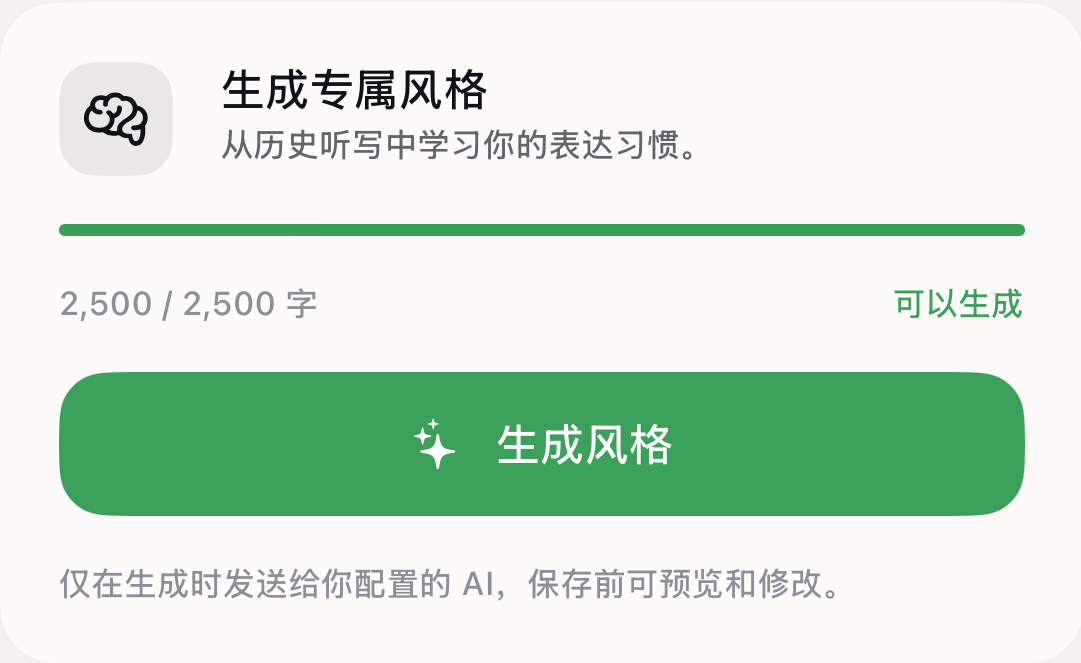
- 从你的听写表达和明确修改中学习说话风格,生成专属于你的措辞与表达习惯
- 应用到剪贴板回复时,在不改变原意的前提下让用词和节奏更像你自己
- 用于学习的语料仅在你点击「生成」时发送给所选 AI 服务,结果需确认后才会保存启用
更聪明的输入
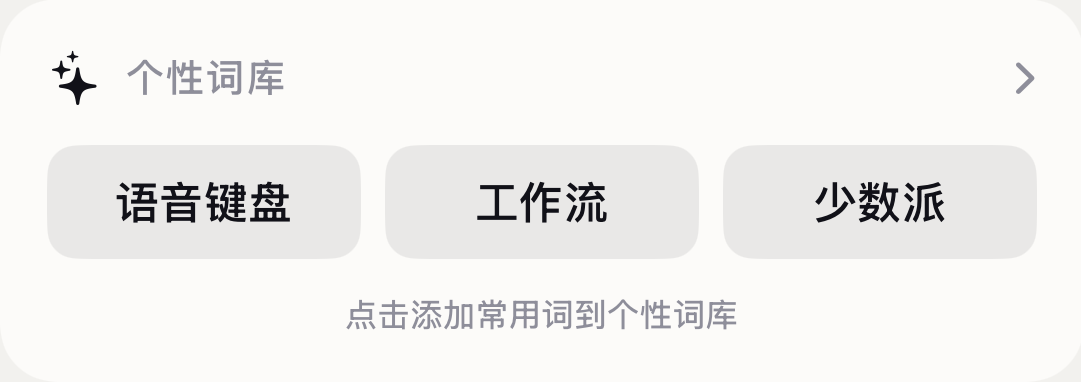
- 根据键盘中反复输入的新词自动推荐个人热词,让常用名称、术语与表达更容易再次输入;本地学习不会记录完整击键内容
- 在中文输入习惯之外,也会学习你反复使用的英文生词并推荐加入个人词库;中英文推荐词都需你确认后才会加入
问题修复与其他
- Apple 账号登录状态更可靠:令牌轮换更稳,已撤销的登录不会被恢复,切换 App 后中英文候选词可靠恢复
- 推荐热词按真实来源标记,移除词库列表中的内部使用次数,iPhone 确认弹窗指向所选热词
- 移除自愿打赏,积分包成为唯一的 App 内购买项
New Sign in with Apple
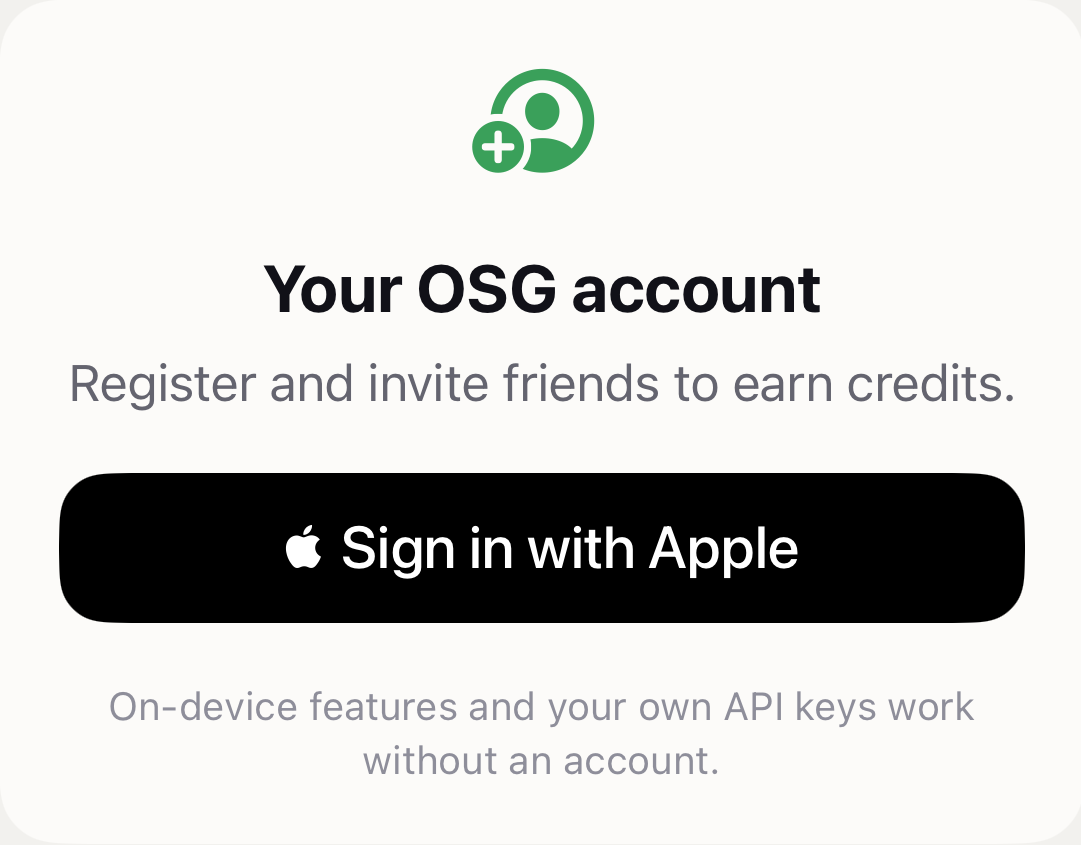
- Use Sign in with Apple to create or open an OSG account and manage credits, referral rewards, and purchase history in one place
- After signing in, use managed speech and AI services with OSG credits, with additional credit packs available through the App Store
- Local dictation and user-owned API keys remain available independently, with no sign-in required
Invite Friends, Earn Credits Together
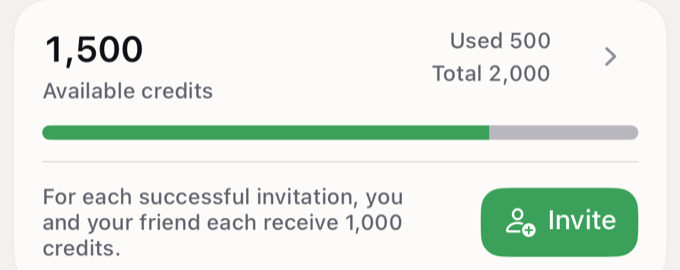
- Sign in to receive the signup reward; for every successful referral, both you and your friend can earn credits
- Your invitation link and credit balance stay synchronized with your account
A New App Interface and Visual Language
- iPhone uses the native iOS 26 Liquid Glass tab bar and transitions while preserving each tab's navigation state
- Skills are organized into clearer Installed and Not Installed lists; tap one to manage installation, Shortcut setup, or custom-skill editing on a dedicated detail page
- Home, Account, AI Service, and Personal Dictionary have a clearer hierarchy, with direct explanations and next steps when setup is incomplete
- Card surfaces gain a faint directional long shadow; system dialogs and modal actions use adaptive black or white instead of the green accent
Home, Refreshed: Monthly Usage Calendar and Credits
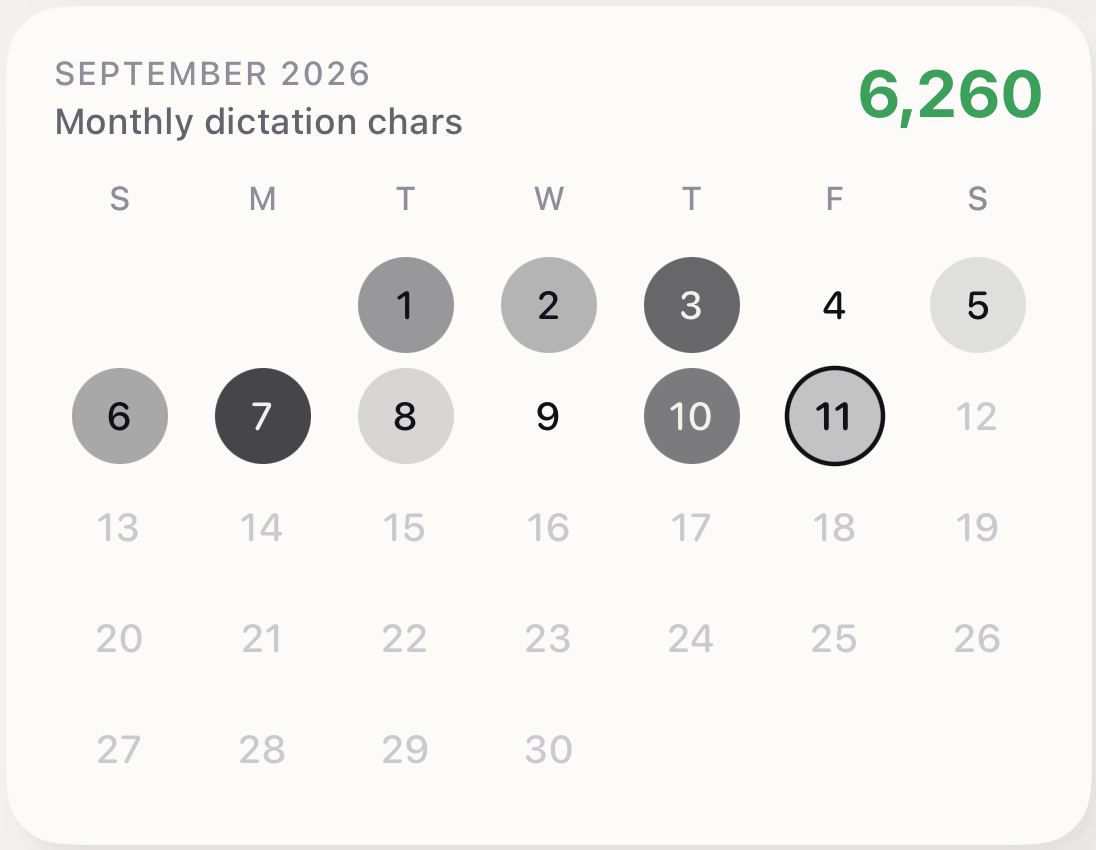
- Home and the Mac Dashboard replace the seven-day chart with a full current-month calendar whose date-circle opacity reflects each day's dictation characters
- The credits and invitation card moves from Settings to Home above the usage metrics, explaining free signup and referral rewards before you sign in
- Open History or Personal Dictionary directly from their metric cards
Smart Clipboard Skills and Replies
- On-device models and local rules recognize clipboard content and recommend up to five relevant actions from the full catalog (Reply, Translate, Summarize, Clarify, Empathy, Business Reply, Organize List, and more)
- For a message worth answering, Reply offers Ordinary / Formal / Playful personalized choices; the keyboard learns your dictation and reply preferences separately so they sound more like you
- For invitations, tasks, blessings, clarifications, and empathy — where intent must not be guessed — it offers three fixed, clearly labeled positions
- A copied phone number can open calling or a prefilled new-contact form; a copied web link can open directly or be summarized from bounded public webpage content
- Recognition and recommendation stay on device; content is sent to the selected service only when a skill needs AI, and choice feedback stays on this device
Personal Style
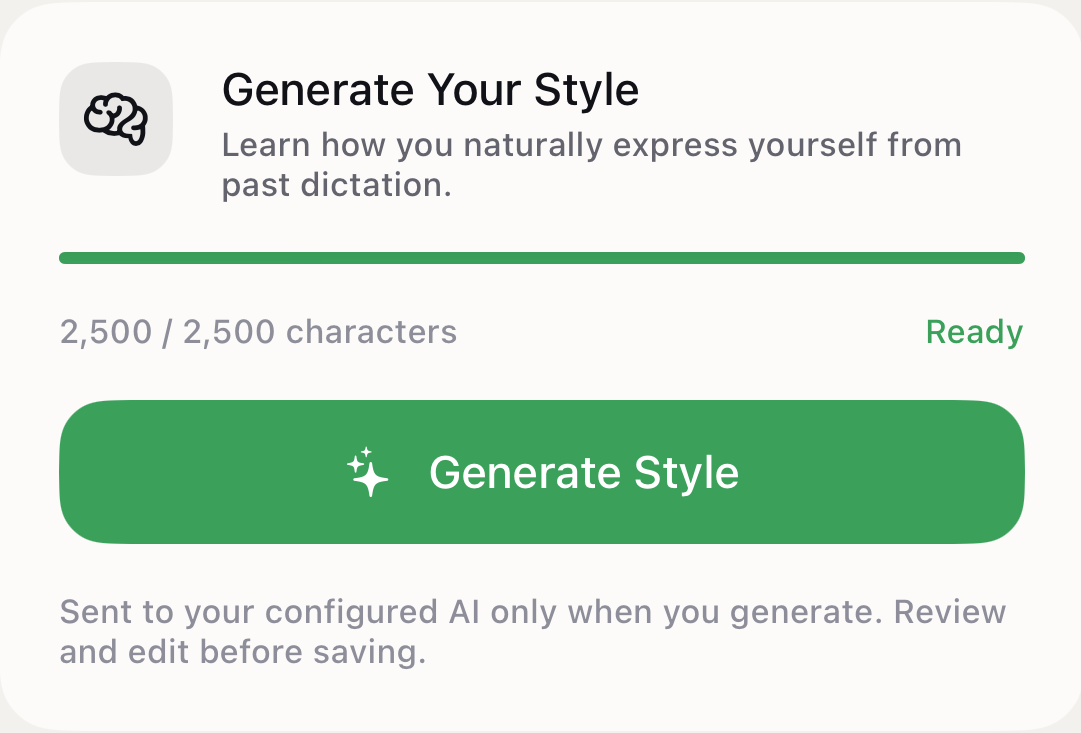
- Learn a personal speaking style from your dictation and explicit edits, capturing the wording and expression that make your voice distinct
- Apply it to clipboard replies so wording and rhythm sound more like you, without changing the original meaning
- Learning text is sent to the selected AI service only when you tap Generate, and the result is saved only after you review it
Smarter Typing
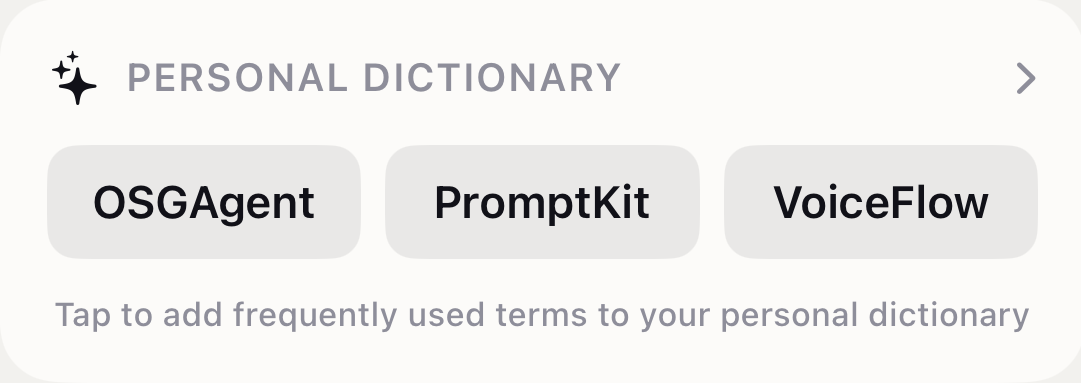
- Repeated new terms from keyboard input become suggestions, making frequently used names, terminology, and expressions easier to type again; local learning does not record complete keystrokes
- Beyond Chinese typing habits, the keyboard learns rare English words you use repeatedly and suggests them; suggestions in either language are added only after you confirm
Fixes and Other Changes
- Apple sign-in is more durable: steadier token rotation, a revoked login is no longer restored, and Chinese/English candidates recover reliably after switching apps
- Hotword recommendations are labeled by their real source, internal usage counts are removed from dictionary rows, and the iPhone confirmation popover points at the selected hotword
- The voluntary tip purchase is removed; credit packs are now the only in-app purchase